
Best Online Document Tools for Remote Teams in 2026
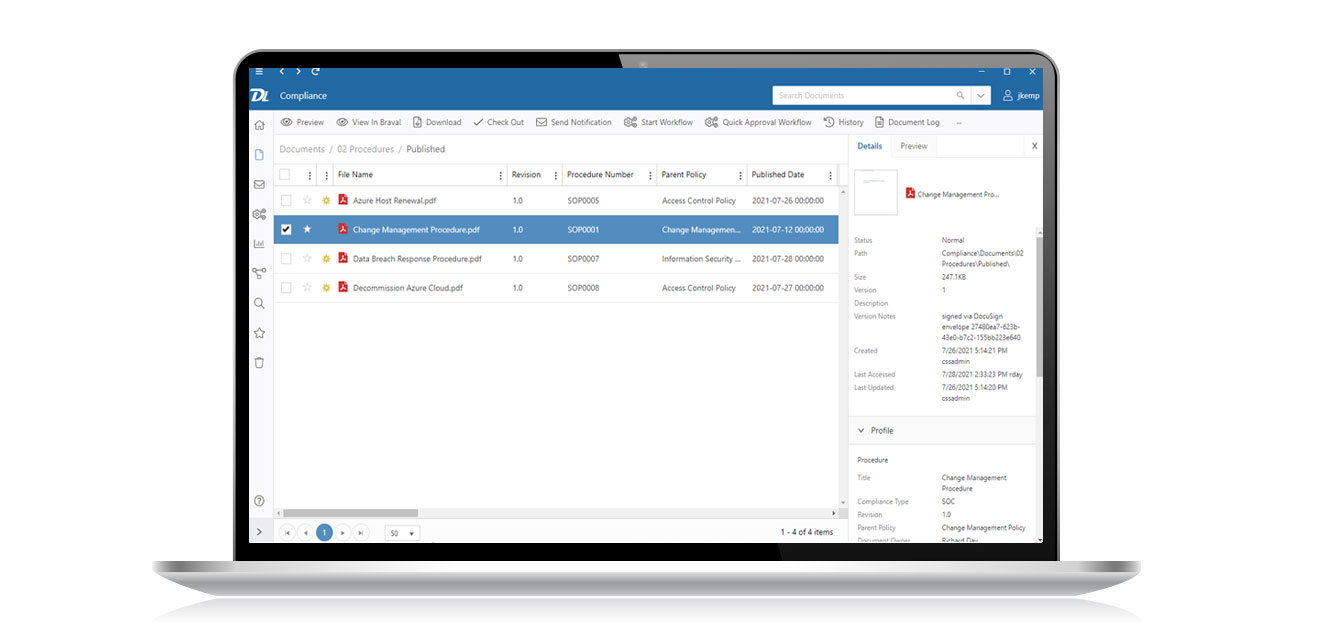
Remote work has become a permanent part of modern business operations, and by 2026, it is no longer just an option but a standard model for many organizations. Teams are often distributed across different cities, countries, and time zones, making efficient collaboration tools essential. Online document tools have emerged as a backbone of remote teamwork, allowing employees to create, edit, share, and manage documents in real time without physical limitations. The best tools in this space now go beyond simple file sharing—they integrate communication, automation, security, and artificial intelligence.
What Makes a Great Online Document Tool in 2026
The best online document tools for remote teams in 2026 share several key characteristics. First is real-time collaboration, which allows multiple users to work on the same document simultaneously without version conflicts. Second is cloud accessibility, ensuring files can be accessed from any device at any time. Third is AI integration, which now assists with writing, summarizing, formatting, and even suggesting content improvements.
Security is another major factor. With remote teams handling sensitive data, end-to-end encryption, permission controls, and audit logs are standard features. Lastly, integration capabilities with project management, communication platforms, and workflow automation tools make modern document platforms highly efficient ecosystems rather than standalone apps.
Top Features Remote Teams Rely On
In 2026, remote teams prioritize features that enhance speed and reduce friction. Version history tracking is crucial, allowing teams to revert changes or review document evolution. Commenting and inline feedback systems improve communication without requiring separate messaging tools.
AI-powered writing assistants are now widely used, helping teams generate reports, emails, and proposals faster. Voice-to-text and multilingual translation features also support global teams working across language barriers. Additionally, offline editing with automatic syncing ensures productivity even in low-connectivity environments.
Leading Use Cases in Remote Work
Online document tools are used across nearly every department. Marketing teams use them to draft campaigns, content calendars, and brand guidelines collaboratively. Software development teams rely on them for documentation, technical specifications, and API references. HR departments manage onboarding documents, policy updates, and employee handbooks.
Sales teams use shared documents for proposals and client presentations, while management teams rely on them for reporting, strategy planning, and decision tracking. This widespread adoption makes document tools central to organizational efficiency.
Benefits for Remote Teams
One of the biggest advantages of online document tools is improved collaboration. Teams no longer need to exchange files through email, reducing confusion caused by multiple versions. Everything is stored in a single, centralized location.
Productivity also increases significantly. Real-time collaboration eliminates delays, and AI assistance reduces manual effort. Additionally, remote teams benefit from better transparency, as all changes and contributions are trackable.
Cost efficiency is another benefit. Companies reduce spending on physical infrastructure, printing, and traditional software installations. Cloud-based tools scale easily, making them ideal for startups and large enterprises alike.
Challenges and How Modern Tools Solve Them
Despite their advantages, remote document tools still face challenges such as data security concerns, information overload, and dependency on internet connectivity. However, modern platforms have addressed many of these issues.
Advanced encryption and compliance certifications ensure data protection. Smart search and AI categorization help users quickly locate important information. Meanwhile, improved offline modes reduce disruptions during connectivity issues.
Conclusion
In 2026, heic to jpg converter tools are no longer optional for remote teams—they are essential infrastructure. The best platforms combine collaboration, intelligence, and security into seamless ecosystems that empower distributed teams to work as efficiently as in-person offices, if not more. As remote work continues to evolve, these tools will remain at the center of digital productivity.

